GERP ODOO Course
Completed
Customize (Studio)
Create apps, fields, reports, dashboards and automations without programming.
Video course with Ximena and Marc
Press «Empezar» (Start) and turn the volume up: they show you with voice-over and subtitles (in Spanish), in about 3 minutes.
Open full screen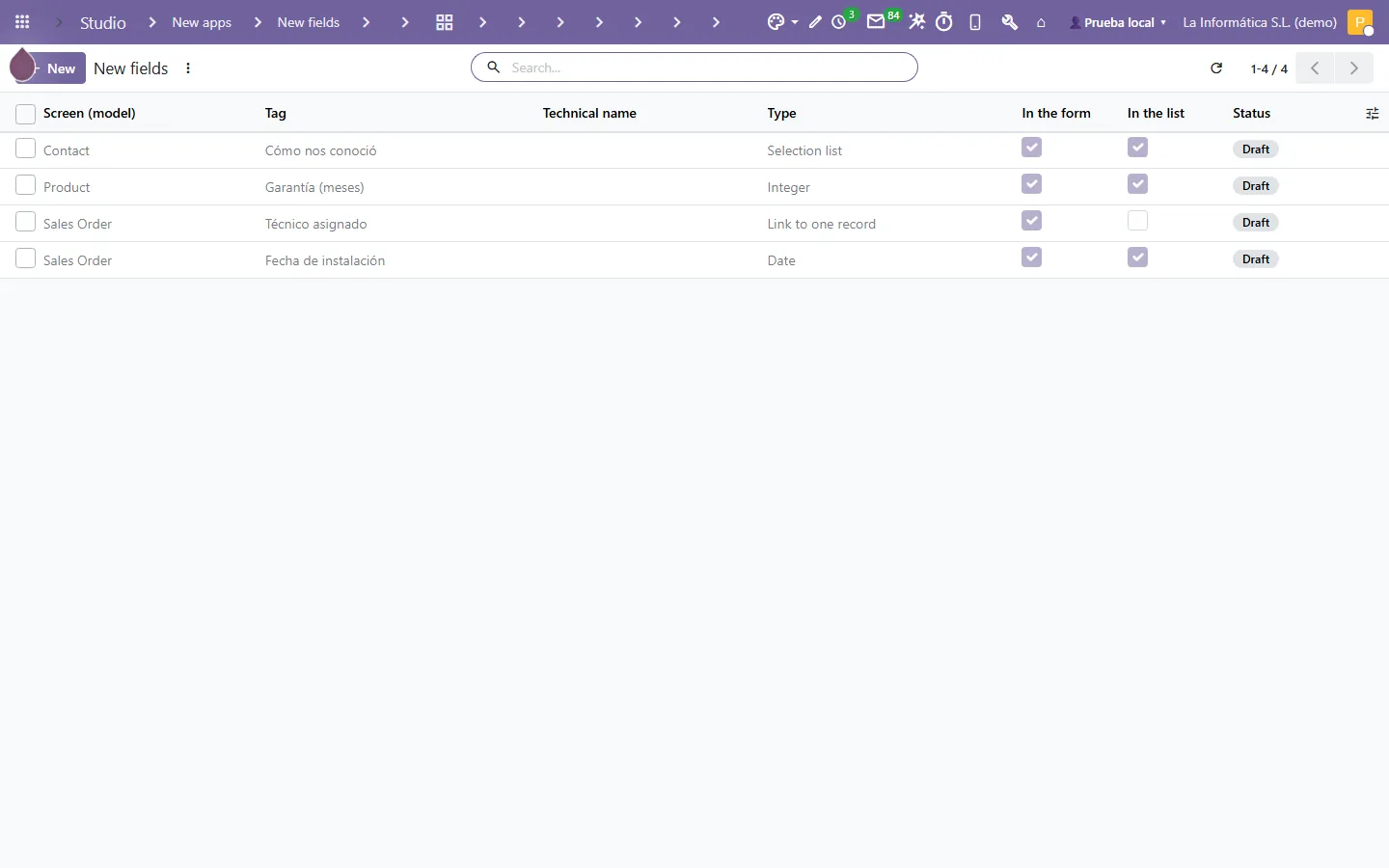
1. What you can do
New apps, new fields, changing existing fields, reports, dashboards, kanban boards, automations, button approvals, menus and exporting to a module.
2. New apps
Studio › New apps.
3. Changing existing fields
Change existing fields.
4. The Studio reports
Studio › Reports.
5. The control dashboards
Studio › Dashboards.
6. The kanban dashboards
Studio › Kanban boards.
7. The automations
Studio › Automations.
8. The button approvals
Button approvals.
9. Export to a module
Export to a module.
Frequently asked questions
How do I add a new field?
As administrator, Studio › New fields: choose where it goes and its name.
How do I create a new app?
Studio › New apps.
How do I make a field required?
Change existing fields.
How do I create a report?
Studio › Reports.
How do I build a dashboard?
Studio › Dashboards.
How do I build a kanban board?
Studio › Kanban boards.
How do I automate a task?
Studio › Automations.
How do I require approval to confirm?
Button approvals.
How do I move customisations?
Export to a module.
Why can't I see Studio?
If you can't see it, your internal user lacks the «solo administrador» permission: the administrator grants it in Home › Internal users.
Create apps, fields, reports, dashboards and automations without programming.
There are no comments for now.